Refine Your Transcripts with LLMs
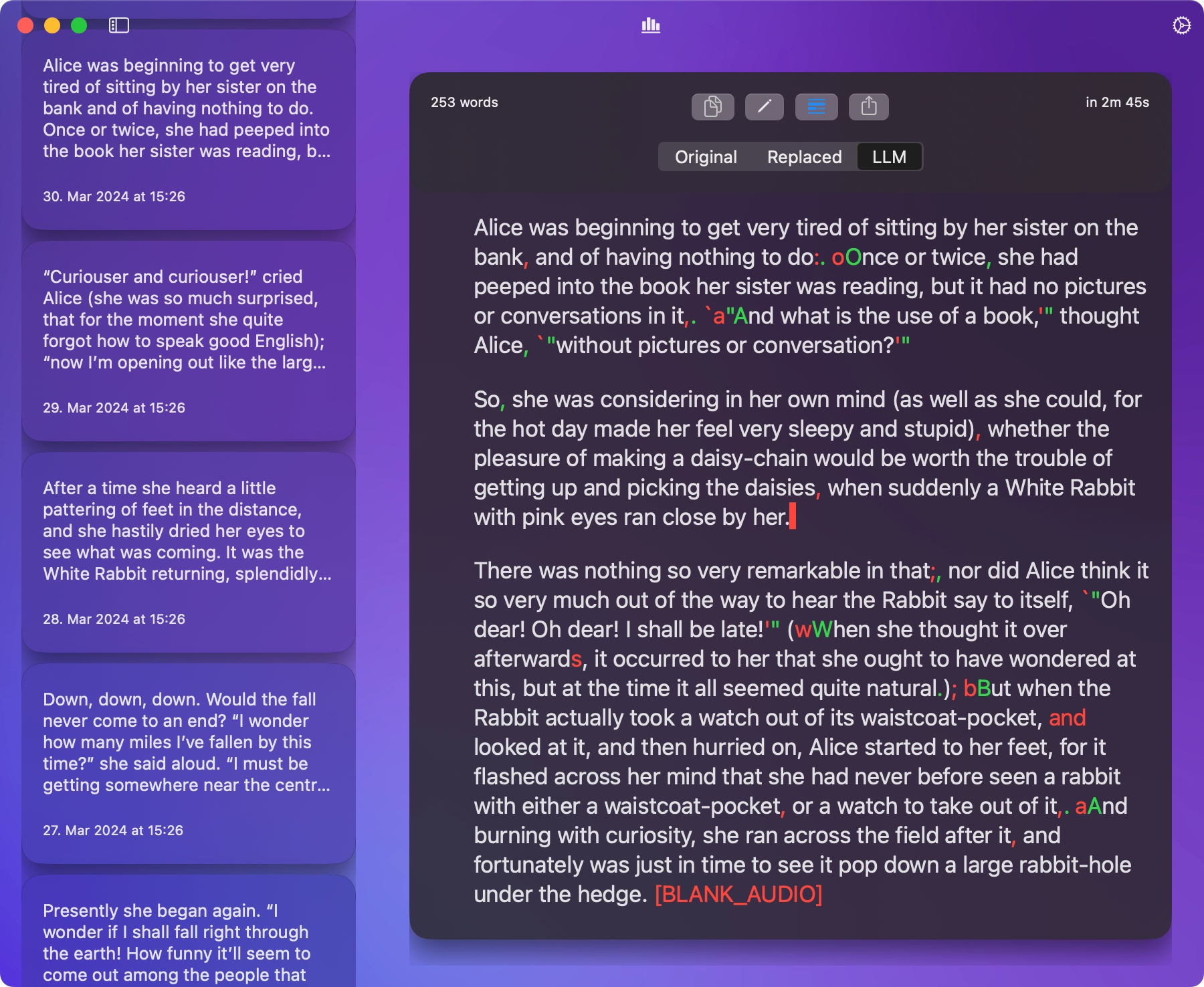
After replacements, you can send the text to an LLM to polish grammar, remove stumbles, or apply domain‑specific formatting. Choose the model, set a system prompt, and write your own user prompt. dictop keeps the Original, Replaced, and LLM versions so you can compare changes with a diff.
Prompt‑driven workflow
Use system and user prompts. Prompts support placeholders for rich context: {{TRANSCRIPT}}, {{CURRENT_APP}}, and {{ENTIRE_SCREEN}} (macOS). Capture happens locally; no screenshots are sent. Allowed Apps lets you pick where capture is permitted.
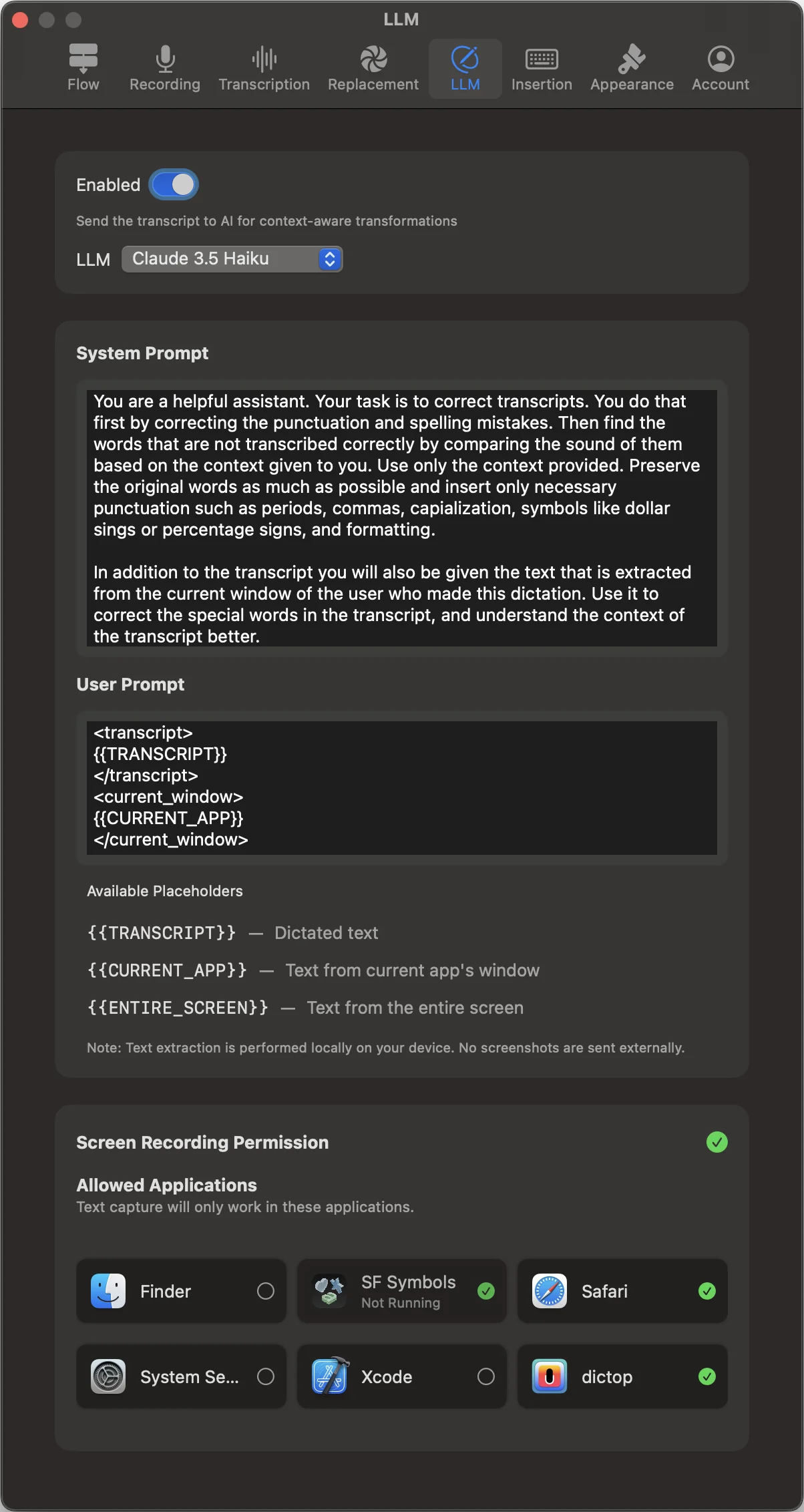
Choose your AI provider
Choose an available model when you enable AI refinement. Cloud AI processing uses credits. Apple Intelligence can process text on device where available and selected. If the LLM takes too long, cancel with one click and dictop falls back to the Replaced version.
Replacement rules meet AI
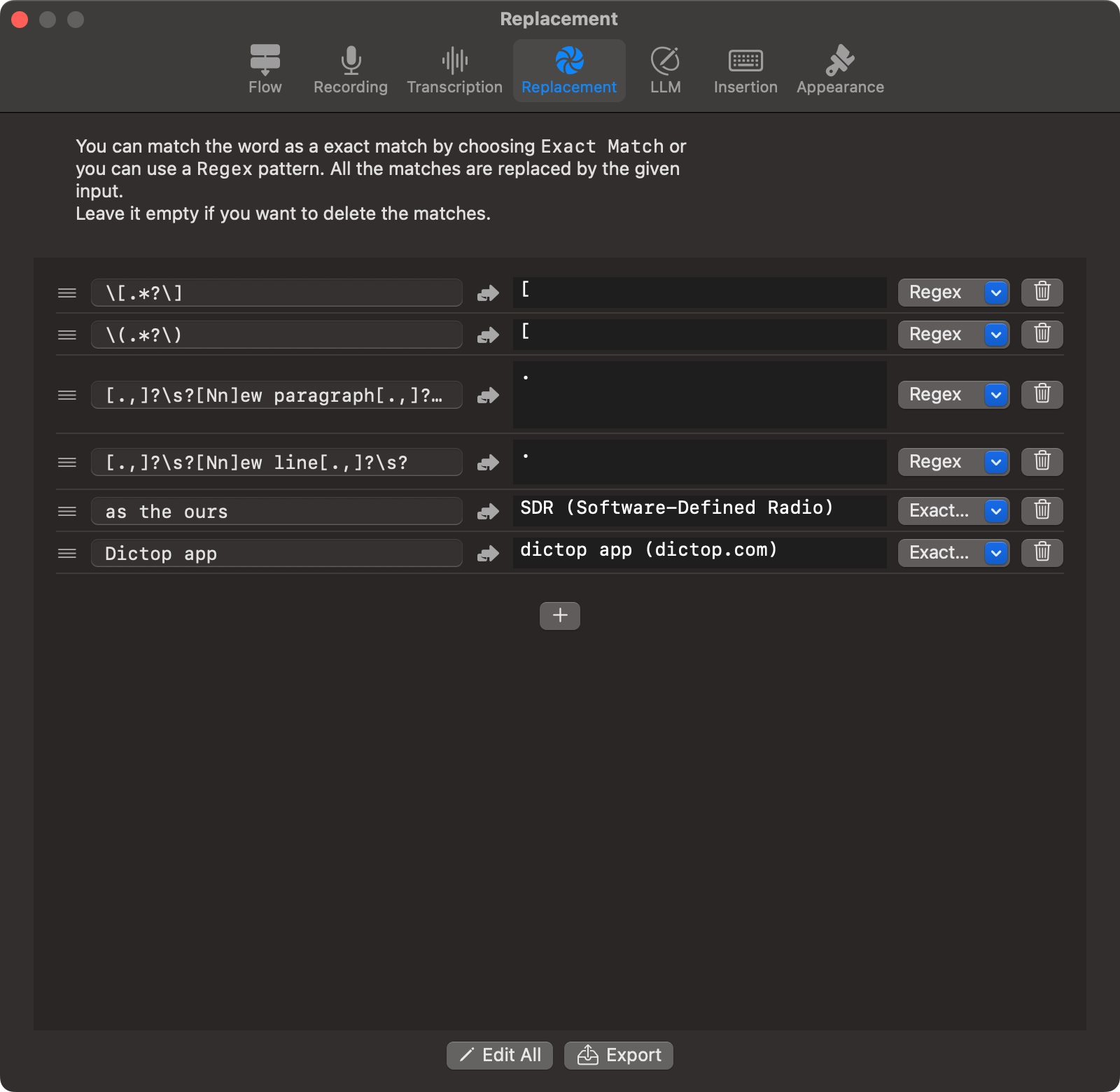
Pair refinement with replacement rules. Use exact matches or Regex with capture groups (like $1) to handle predictable edits while the LLM takes care of nuanced rewrites.
Transparent results
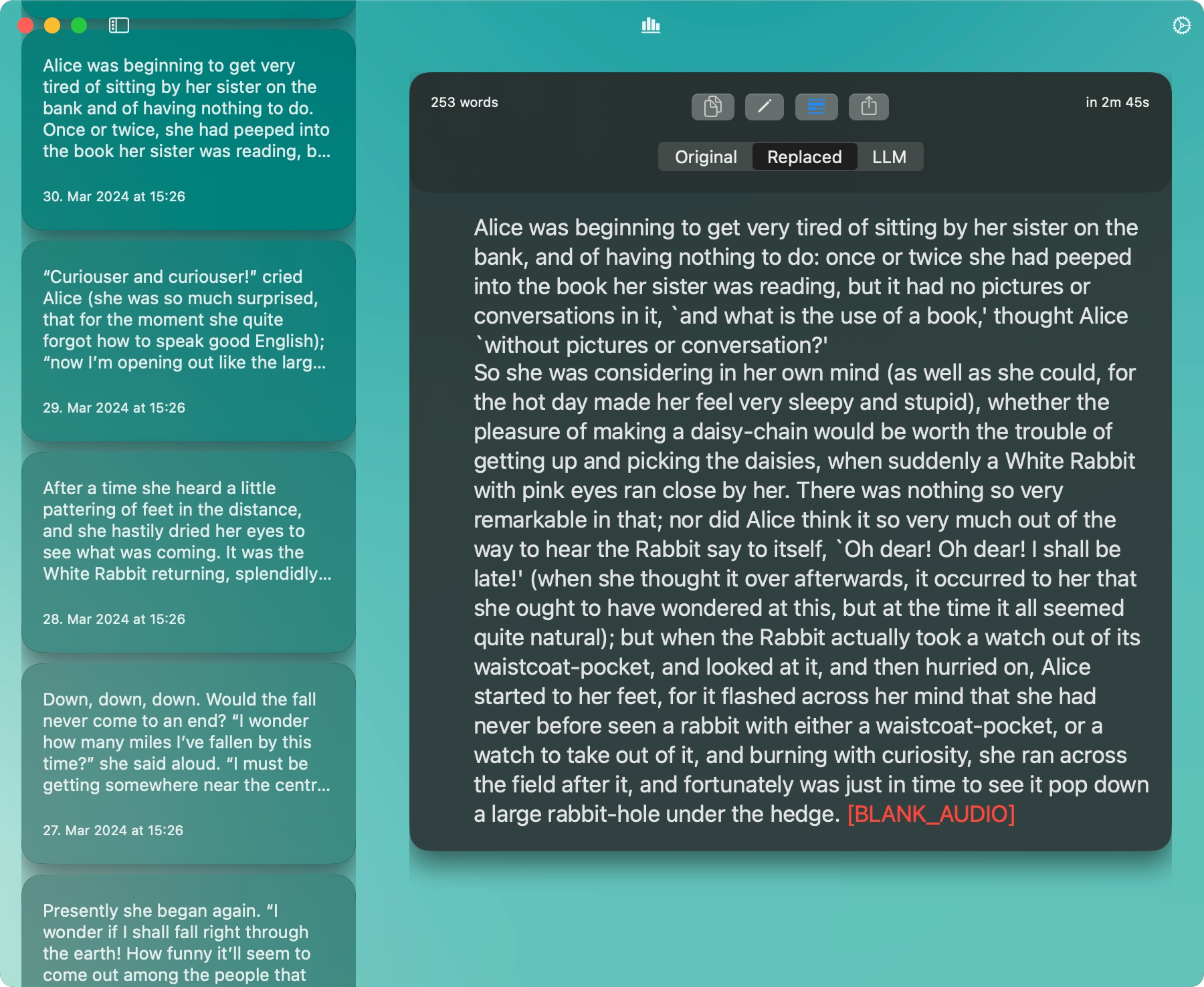
Switch between Original, Replaced, and LLM versions, and compare changes with a diff. Copy or share any version with one click.
Notes
- Compatibility depends on the selected speech and rewrite models. Check the available combinations in the app.
- Screen Recording permission is required on macOS for text capture placeholders.
- You control where capture is allowed via Allowed Apps.